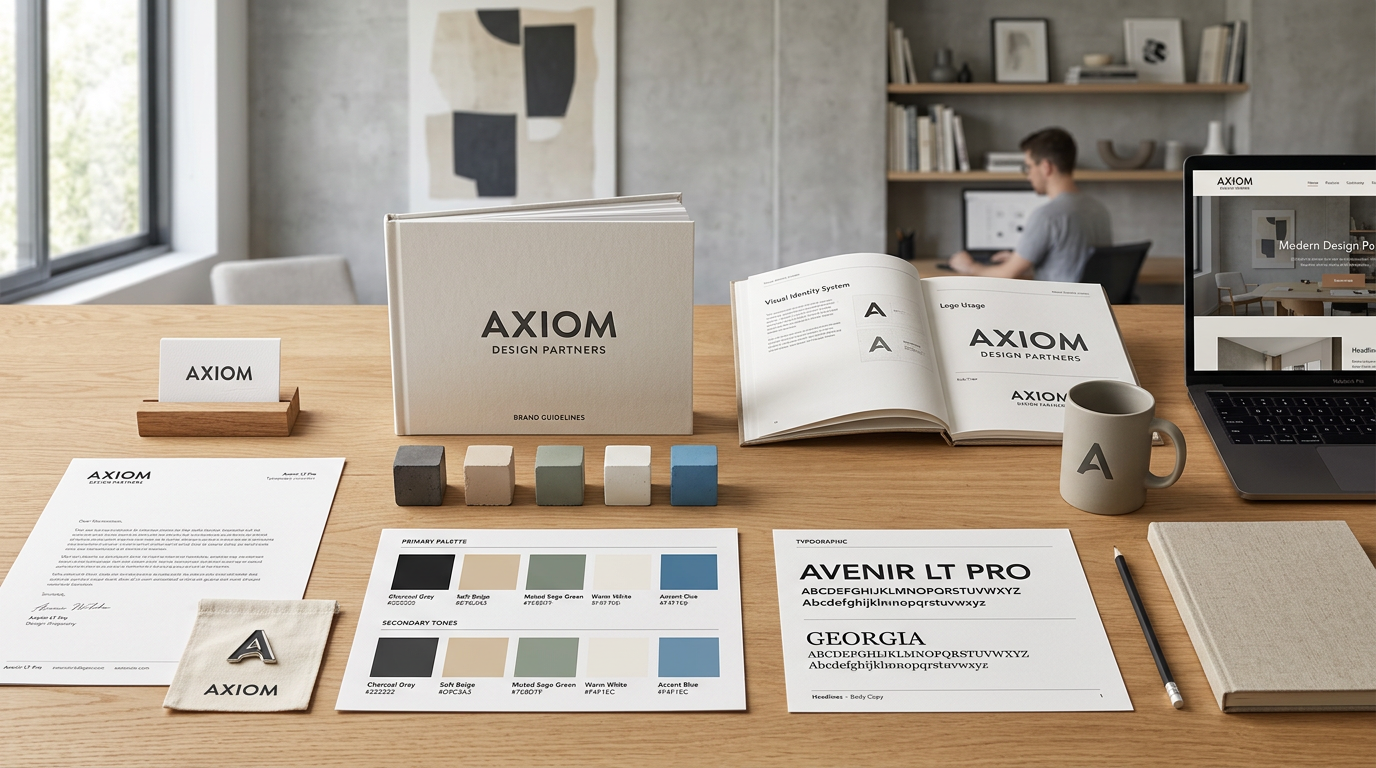
Your AI agent produces a constant stream of blog posts, social media captions, and marketing content. Without a brand kit, that content may look and sound inconsistent from week to week. The Brand Kit gives your agent a single source of truth for how your business looks, writes, and presents itself — so everything it publishes feels like it came from the same team.
What Is the Brand Kit?
The Brand Kit is your centralized asset library inside AgentGrow, accessible at agentgrow.io/user/assets. It is a private, organized collection of the files your agent references every time it creates content.
Think of it as the onboarding pack you would hand a new marketing hire on day one: your logo files, your visual style guide, key images, and the brief that explains what your brand stands for and how it speaks. Once uploaded, your agent reads these files before writing anything — and the difference in output quality is significant.
File Categories
Assets are organized into four categories. Each serves a different purpose for your agent:
| Category | What to upload | How the agent uses it |
|---|---|---|
| Logos | Primary logo, alternate logo, icon-only variant, dark and light versions | Embeds logos in blog post headers, social graphics, and email headers. Uses the right variant for light vs. dark backgrounds. |
| Brand Guidelines | Visual identity PDF, color palette, typography guide, tone of voice document | Reads to understand approved colors, fonts, imagery style, and writing tone before drafting any content. |
| Images | Product photos, team photos, lifestyle imagery, campaign visuals, event photos | Selects appropriate images to accompany blog posts and social media content rather than using generic stock photos. |
| Creative Briefs | Campaign briefs, audience personas, messaging frameworks, content strategy docs | Aligns content topics, angles, and calls-to-action with your active campaigns and target audience priorities. |
How to Upload Assets
Open the Brand Kit page
Log in to your AgentGrow dashboard and navigate to agentgrow.io/user/assets. You will see four category sections displayed as panels on the page.
Select a category
Click the category that matches the file you want to upload — Logos, Brand Guidelines, Images, or Creative Briefs. Each category has its own upload area so your files stay organized and easy for the agent to locate.
Upload your file
Click Upload File (or drag and drop the file onto the upload zone). The file uploads immediately. Once complete, the asset appears in that category's file list with its name, size, and upload date. Repeat for each file you want to add.
Size Limits and Supported Formats
Logos
PNG, SVG, WebP — up to 10 MB per file. SVG is preferred for vector logos (scales perfectly at any size).
Brand Guidelines
PDF, DOCX — up to 50 MB per file. PDF is recommended for design-heavy guides.
Images
JPG, PNG, WebP — up to 20 MB per file. Export at 1920px wide or larger for best results.
Creative Briefs
PDF, DOCX, TXT, Markdown — up to 10 MB per file. Plain text formats are processed fastest.
How Your Agent Uses Brand Assets
Your agent reads the brand kit at the start of every content session. Here is specifically how each asset type influences the output:
Brand Guidelines
The agent reads your guidelines PDF or document before writing any copy. If your guidelines specify "always write in second person", "never use jargon", or "lead with outcomes not features", those rules will be applied consistently across every blog post, caption, and email your agent produces. The more specific your guidelines, the more precisely the agent can match your voice.
Logos
When publishing blog posts or creating social media content that includes image headers, your agent selects the appropriate logo variant for the context — for example, using the white version of your logo on a dark background and the full-color version on a light background. Providing both versions ensures the agent always has the right one.
Images
Your agent chooses images from your brand kit to accompany content rather than relying on generic stock photos. A library of real product photos, team images, and campaign visuals gives your published content an authentic, on-brand look that stock imagery cannot replicate.
Creative Briefs
Campaign briefs tell the agent what is currently important to your business. If you are running a Q2 lead generation push, a brief explaining the target audience, key messages, and desired call-to-action ensures every piece of content in that period drives toward that goal. Update your brief whenever priorities shift.
Managing Assets
Replacing a File
To update a file (for example, uploading a refreshed version of your logo), upload the new file to the same category. Both versions will be stored. If you want the agent to use only the newest version, delete the old file after uploading the replacement.
Locate the file in the category panel
Each category shows a list of uploaded files with their names, file sizes, and upload dates.
Delete the outdated file
Click the Delete icon next to any file you want to remove. You will be prompted to confirm. Once deleted, the file is permanently removed and the agent will no longer reference it.
Upload the new version
Use the upload button in the same category to add the updated file. The agent will use the new version in all subsequent content sessions.
Organizing by Category
Keep each file in its correct category. The agent uses category context to understand how to apply each file. A logo placed in the Images category will still be accessible, but the agent may not apply it in the same way as a file correctly categorized under Logos.
Tips for Getting the Best Results
- Upload brand guidelines first, before any other category. This has the greatest impact on content quality and sets the foundation for everything else your agent produces.
- Include a tone of voice document as a separate file, even if tone is covered in your main guidelines. A focused, standalone tone document (2–4 pages) is often more actionable for the agent than a 40-page full brand manual.
- Keep logo files as PNG or SVG. Avoid uploading logos embedded inside PowerPoint slides or Word documents — the agent cannot extract logo files from within other documents.
- Name your files clearly. A file named
logo-dark-horizontal-2026.svgis far more useful thanfinal-v3-USE-THIS.svg. Clear names help the agent select the right asset for the right context. - Refresh creative briefs at least quarterly. A brief from six months ago may reference campaigns that have ended, promotions that are no longer active, or messaging that has since changed. Current briefs produce current content.
- Upload multiple image variants for the same subject (landscape and portrait crops, light and dark background versions). This gives the agent flexibility to choose the best fit for different content formats.
- If you rebrand, delete outdated logo and guideline files immediately. Old assets linger in the agent's context otherwise, and you may see the old logo or discontinued colors appear in published content.
📚 Related reading: