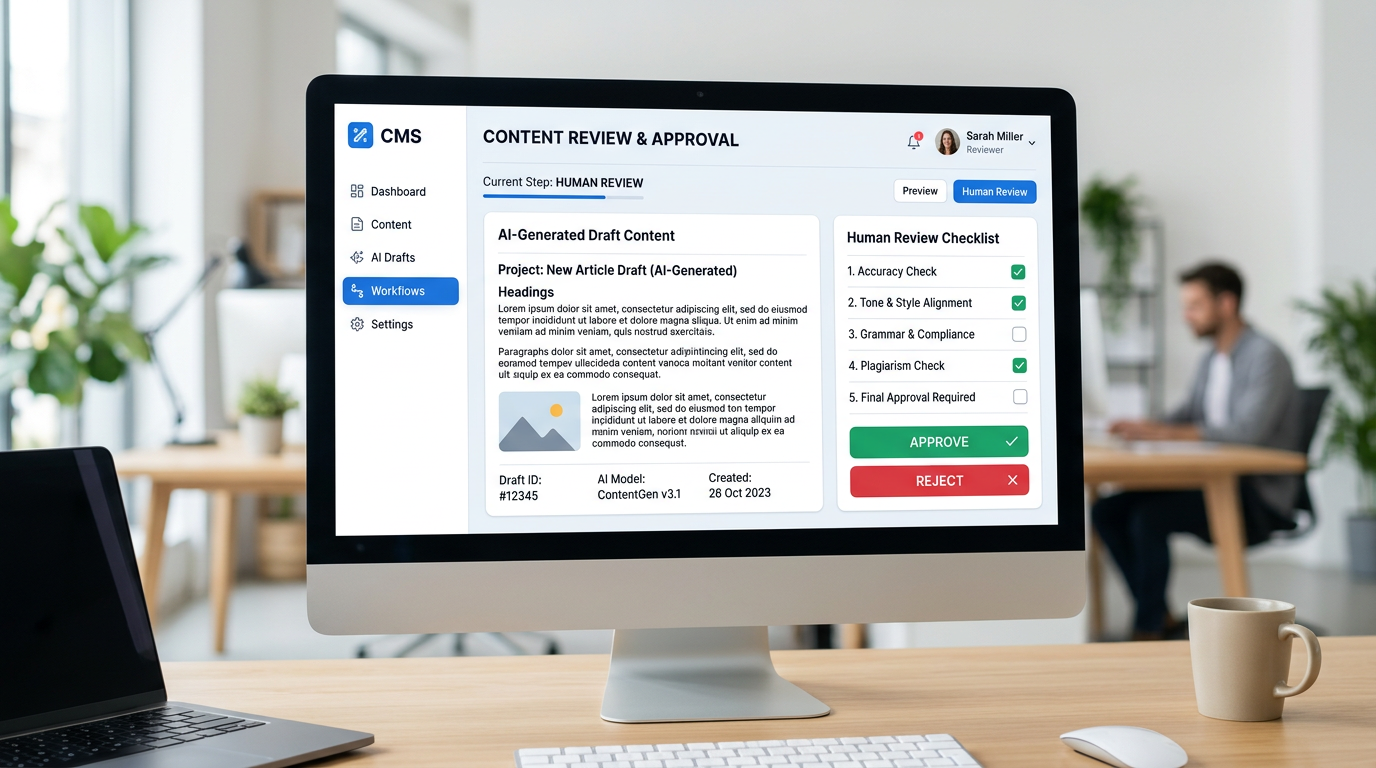
Your AI CBO creates content based on your business profile and goals. Before anything is published anywhere, it appears in your dashboard for your review. This section explains how the approval flow works and how to use it efficiently.
What Goes Through the Approval Queue
Three types of content require your sign-off before publishing:
- Blog posts — full drafts with title, body, and metadata
- Social media captions — exact text including hashtags
- Campaign content — event announcements, product launches, or any significant one-off posts
Routine updates like competitor reports and lead summaries do not require approval — they are sent directly to you via Telegram.
Reading the Dashboard
When you log in, pending approvals appear at the top of your dashboard — clearly marked with an amber badge showing the count. Each item displays:
- Content type and category icon
- Title and a one-line description
- Full content in a scrollable preview
- Relative timestamp showing when the agent created it
Approving Content
Click Approve and the content publishes immediately. Blog posts go live on your website. Social posts are sent to the relevant platform. The item disappears from your approval queue and appears in the activity feed.
Requesting Changes
Click Request Changes, type what you need adjusted, and submit. Examples: "make this more formal", "mention our March workshop in the CTA", "shorten to three bullet points". The agent revises and puts the updated version back in your queue, usually within a few hours.
Telegram Notifications
You do not need to log in to know there is something waiting. Your agent sends a Telegram message when content is ready for review. You can reply with brief instructions directly in the chat, or tap through to the dashboard for the full view.
Building Trust Over Time
Most clients start by reviewing every piece of content in the first two weeks. Once you are satisfied with the quality and tone, you can shift to spot-checking — reviewing a few items each week while the agent publishes the rest on schedule. The more feedback you provide early on, the faster the agent calibrates to your voice.